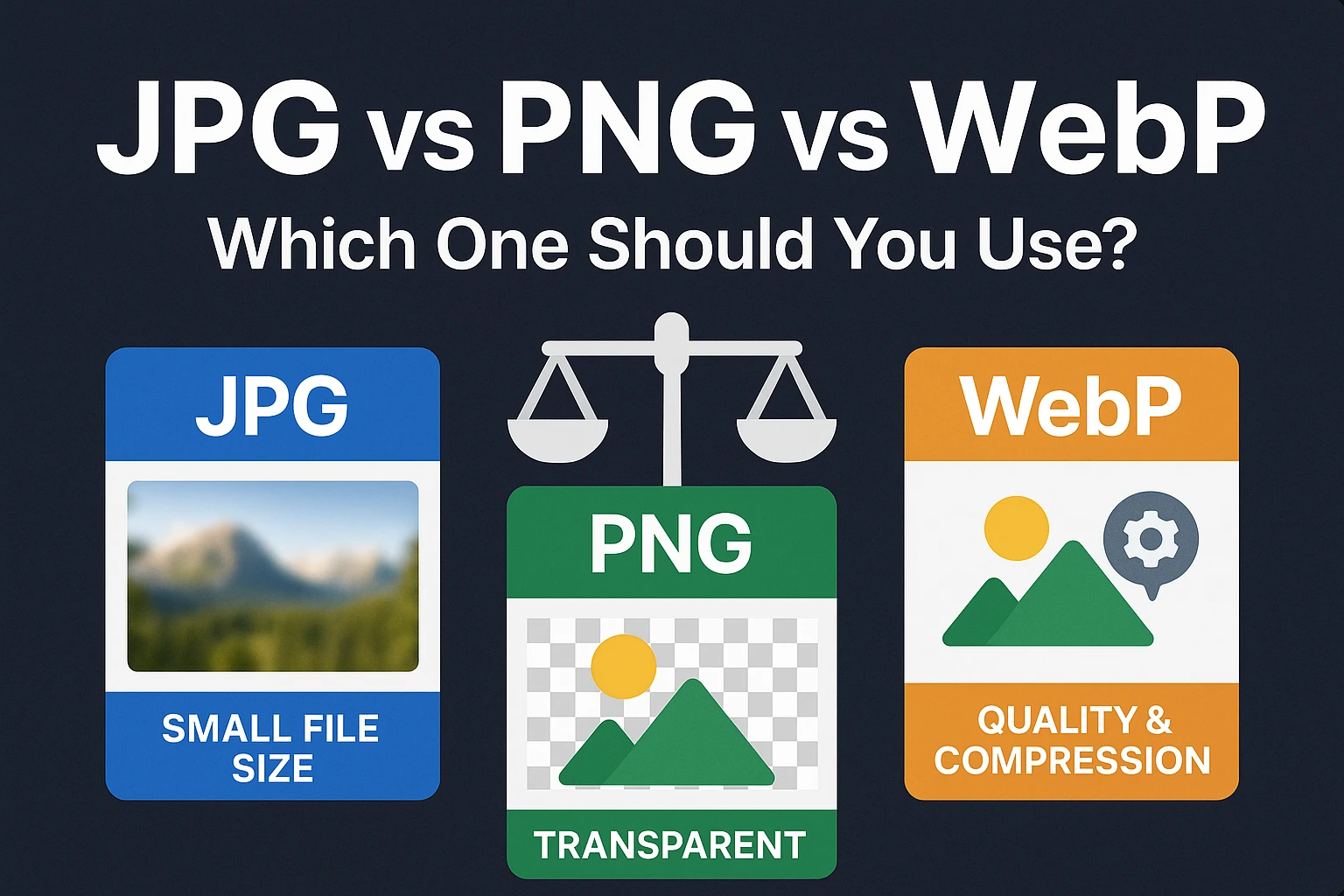
When it comes to digital images, especially for the web, choosing the right file format is a critical first step towards optimization. The format you select can significantly impact file size, visual quality, and website loading speed. Three of the most common and important formats you'll encounter are JPG (or JPEG), PNG, and WebP. But what are the differences, and when should you use each?
Let's dive in and demystify these image formats to help you make informed decisions.
Understanding JPG (Joint Photographic Experts Group)
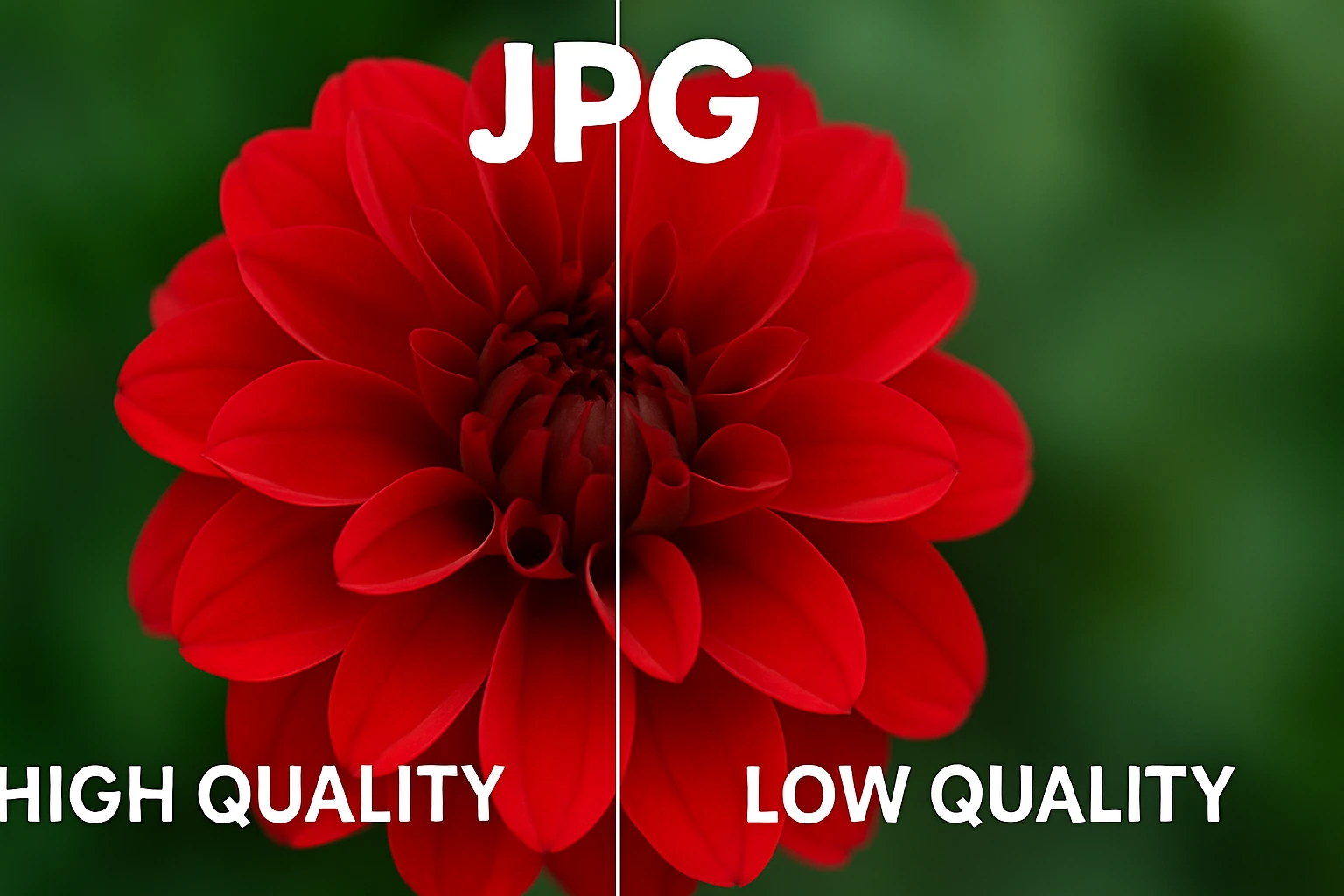
JPG is arguably the most widely used image format, especially for photographs and realistic images with complex color gradients. It's a lossy compression format, meaning it reduces file size by selectively discarding some image data that is least perceptible to the human eye.
Key Characteristics of JPG:
- Lossy Compression: This is its biggest strength for file size reduction but also a potential weakness for quality if over-compressed. You can control the level of compression (and thus quality).
- Millions of Colors: Supports 24-bit color, allowing for a vast range of colors, making it ideal for photographs.
- No Transparency: JPG does not support transparent backgrounds. Any transparent areas will be filled with a solid color (usually white).
- Good for Photographs: Its compression algorithm excels with complex images like photos.
When to Use JPG:
- Photographs and realistic images on your website or for sharing.
- Images with smooth gradients and many colors where exact pixel precision isn't paramount.
- When you need the smallest possible file size for a full-color image and some quality loss is acceptable.
With Resize Image's compressor, you can fine-tune the JPG quality to find the perfect balance between size and clarity.
Understanding PNG (Portable Network Graphics)
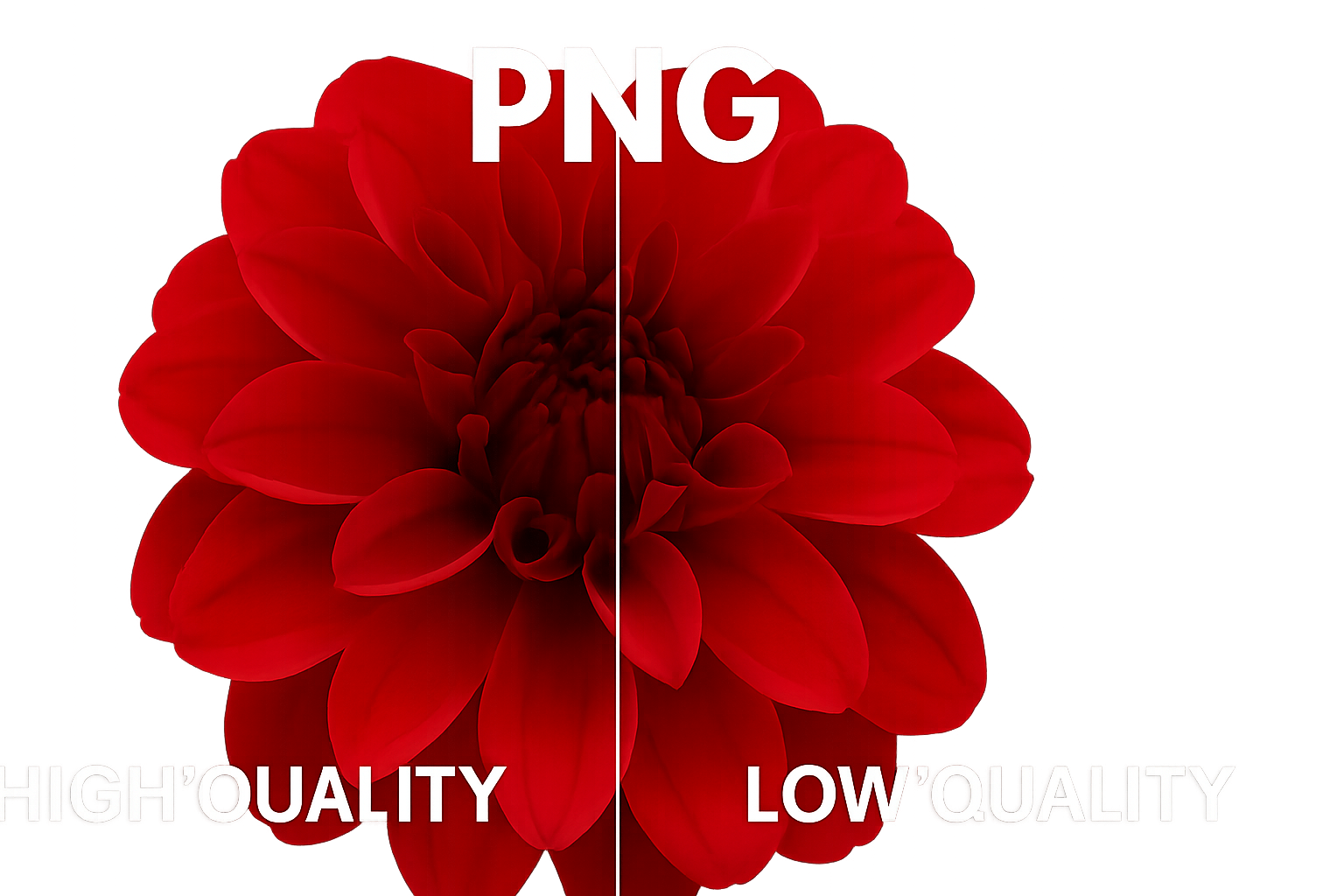
PNG was developed as an improved, non-patented replacement for GIF. It's a lossless compression format, meaning it reduces file size without discarding any image data. This ensures that the quality of the image remains identical to the original.
Key Characteristics of PNG:
- Lossless Compression: Preserves all image detail. No quality is lost during compression, but file sizes can be larger than JPGs for photographic content.
- Supports Transparency: PNG excels at handling transparency, including alpha channel transparency (varying levels of opacity). This makes it perfect for logos, icons, and images with non-rectangular shapes.
- Good for Graphics: Ideal for images with sharp lines, text, logos, illustrations, and areas of solid color.
- Two Main Types: PNG-8 (supports 256 colors, similar to GIF) and PNG-24 (supports millions of colors, like JPG, plus an alpha channel for transparency).
When to Use PNG:
- Logos, icons, and illustrations, especially those requiring a transparent background.
- Images with text or sharp lines where clarity is crucial (e.g., screenshots).
- When you need to preserve exact image quality without any loss.
If you have a PNG you need to make smaller for the web, Resize Image can help optimize it further, often by reducing the color palette smartly if appropriate, or through other lossless techniques.
Understanding WebP (Web Picture format)
WebP is a modern image format developed by Google that provides superior lossless and lossy compression for images on the web. It aims to create smaller, richer images that make the web faster.
Key Characteristics of WebP:
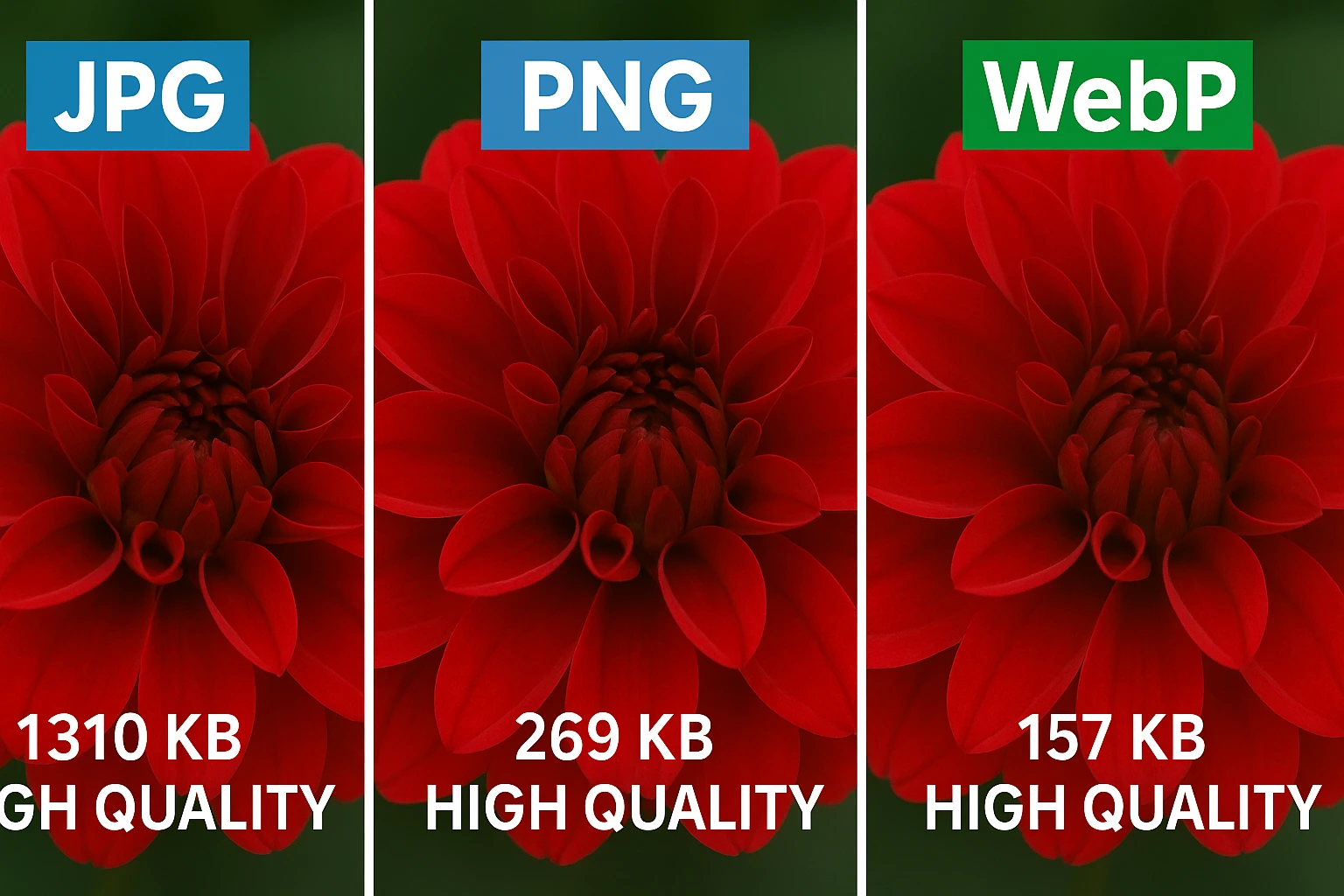
- Superior Compression: WebP lossless images are typically 26% smaller in size compared to PNGs. WebP lossy images are often 25-34% smaller than comparable JPG images at an equivalent visual quality.
- Supports Both Lossy and Lossless: You can choose the compression type based on your needs.
- Supports Transparency: Like PNG, WebP supports alpha channel transparency, even with lossy compression.
- Supports Animation: WebP can also be used for animated images, offering a good alternative to animated GIFs with smaller file sizes and better color support.
- Good Browser Support: Major modern browsers (Chrome, Firefox, Edge, Safari 14+) support WebP. However, for very old browsers, you might need a fallback.
When to Use WebP:
- As a primary format for all web images (photographs, graphics, logos) if your target audience uses modern browsers.
- When you need the best possible compression with excellent quality.
- For images requiring transparency where PNG files are too large.
- As an alternative to animated GIFs.
You can easily convert your JPGs and PNGs to WebP using Resize Image's Image Converter to take advantage of its benefits.
Quick Comparison Table
| Feature | JPG | PNG | WebP |
|---|---|---|---|
| Compression Type | Lossy | Lossless | Lossy & Lossless |
| Transparency | No | Yes (Alpha Channel) | Yes (Alpha Channel) |
| Color Depth | Millions (24-bit) | Millions (PNG-24), 256 (PNG-8) | Millions |
| Best For | Photographs, complex images | Logos, graphics with text, transparency | All web images (modern browsers), animation |
| Typical File Size | Small to Medium | Medium to Large (for photos) | Smallest (often) |
| Animation | No | No (APNG is different) | Yes |
Conclusion: Making the Right Choice
There's no single "best" image format; the right choice depends entirely on the specific image and its intended use. Here's a simple rule of thumb:
- For photographs on the web where file size is a concern and transparency isn't needed, JPG is often a good starting point. Consider converting to WebP (lossy) for even better compression if browser compatibility allows.
- For logos, icons, illustrations, or images requiring transparency, PNG is your go-to. If file size is an issue, WebP (lossless or lossy with alpha) can be a fantastic alternative.
- For a general modern web strategy, aim to serve WebP images whenever possible, potentially with JPG or PNG fallbacks for older browsers (though this requires more advanced setup like using the `
` element).
Ready to optimize? No matter which format you choose or need to convert to, Resize Image's suite of free tools is here to help you compress, resize, and convert your images effortlessly, all within your browser for maximum privacy and speed!
By understanding the strengths and weaknesses of JPG, PNG, and WebP, you can significantly improve your website's performance, enhance visual appeal, and provide a better user experience. Happy optimizing!


Comments (0)
Comments powered by a third-party service. (e.g., Disqus)